
All-in-one
What the Lively mobile app does
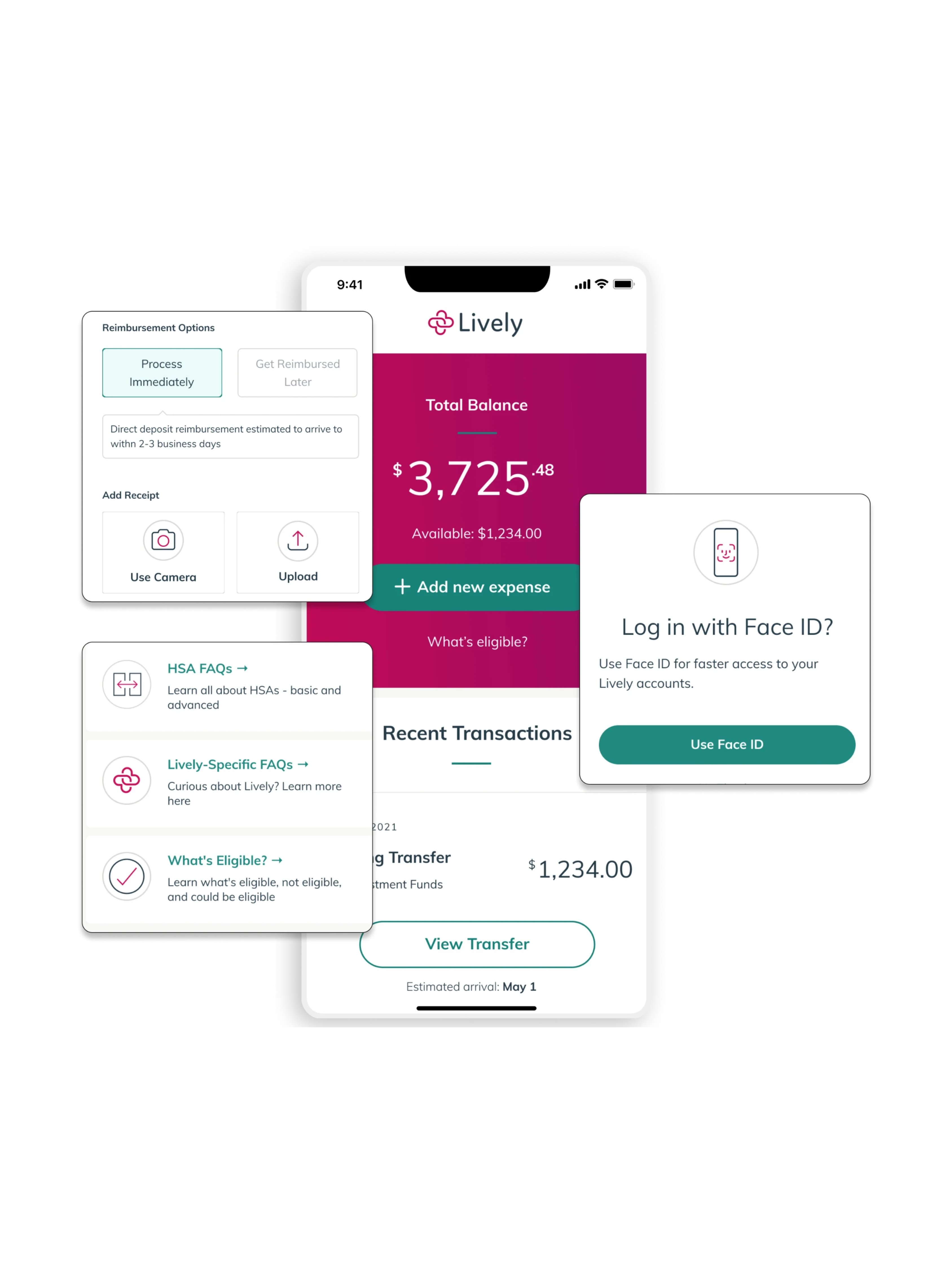
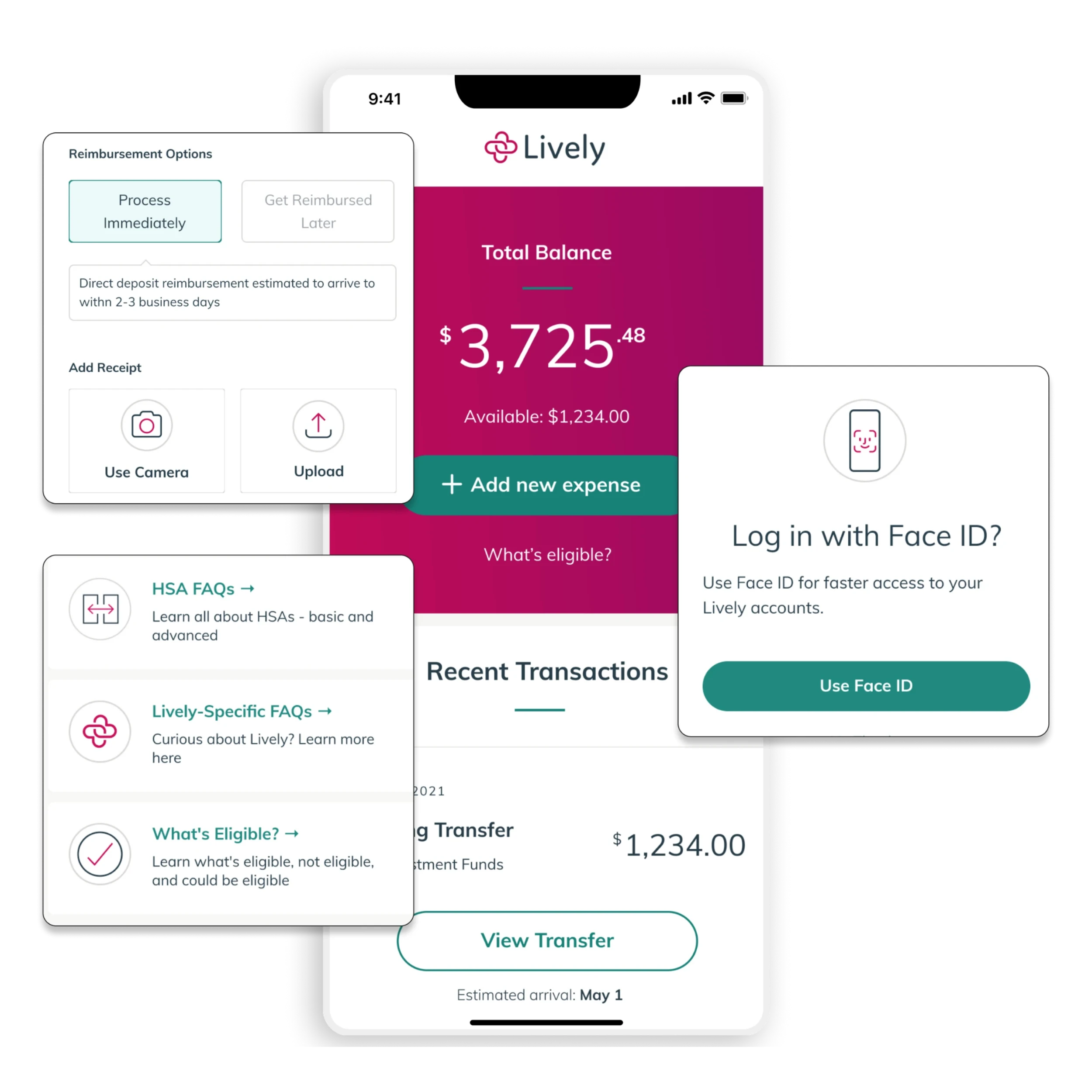
Most everyday benefit tasks, filing a claim, checking eligibility, managing your card, still require a phone call with other providers. The Lively app lets you handle them yourself, in a few taps.
Every Feature Included
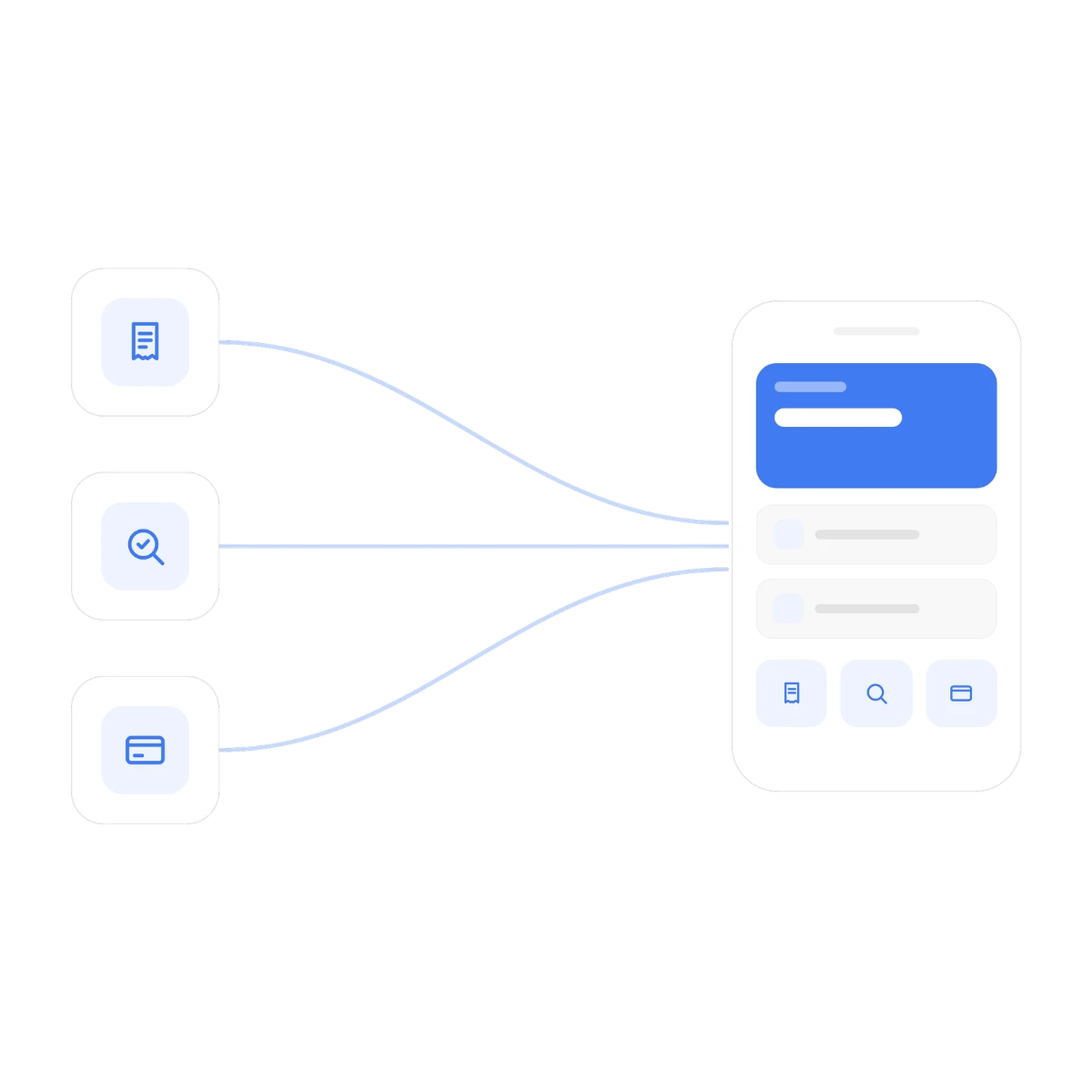
Every one of these is a standing feature of the Lively app, available the moment you open it, not a locked tier or a paid upgrade, and together they turn the app from a place to check a balance into the one place you actually manage your benefits. Here's the complete set:

Unified dashboard
See HSA, FSA, HRA, LSA, Commuter, and Medical Travel balances together in one clear view.

Smart receipt scanning
Photograph a receipt and the app auto-extracts and autofills the details for you.

Barcode eligibility scanner
Check IRS eligibility instantly, right in the store aisle, before you buy.

Card management
Lock or unlock your card, see decline reasons, and add it to your mobile wallet.

Claim Sync
Auto-reimburse eligible claims through 95%+ of U.S. health carriers, with no manual filing.

Lively AI Benefits Assistant
Available 24/7 to answer questions and complete tasks in 240+ languages.

Investment and transfer tools
Monitor portfolio performance, adjust Devenir allocations, set Schwab sweep transfers, and track transfer status, right from the app.

Commuter flexibility
Edit your transit or parking elections up until the 15th of the month and shift funds between accounts as your commute changes.
MEET YOUR ASSISTANT
Lively AI Benefits Assistant
Most account apps give you a search bar and a help doc. The Lively AI Benefits Assistant understands plain, everyday language and can complete real tasks for you. Order a card, update your address, manage dependents or beneficiaries, link an external bank account, or set your contribution amount by simply asking.
Multilingual by default: A full native Spanish app, plus an assistant that supports 240+ languages.
It covers the whole platform: Ask HSA or FSA eligibility questions even if you only hold an LSA, and get a real, accurate answer.
A person is available for help: Every chat is monitored in real time by attentive, U.S.-based support specialists who step in the moment something complex comes up.
It works with text, voice, or photo: Type a question, speak it, or upload a photo of a receipt, invoice, or handwritten note.
Most questions get answered in the same chat you asked them in. No transfers, no waiting for a callback.
PRICING
Is the Lively Benefits App Free?
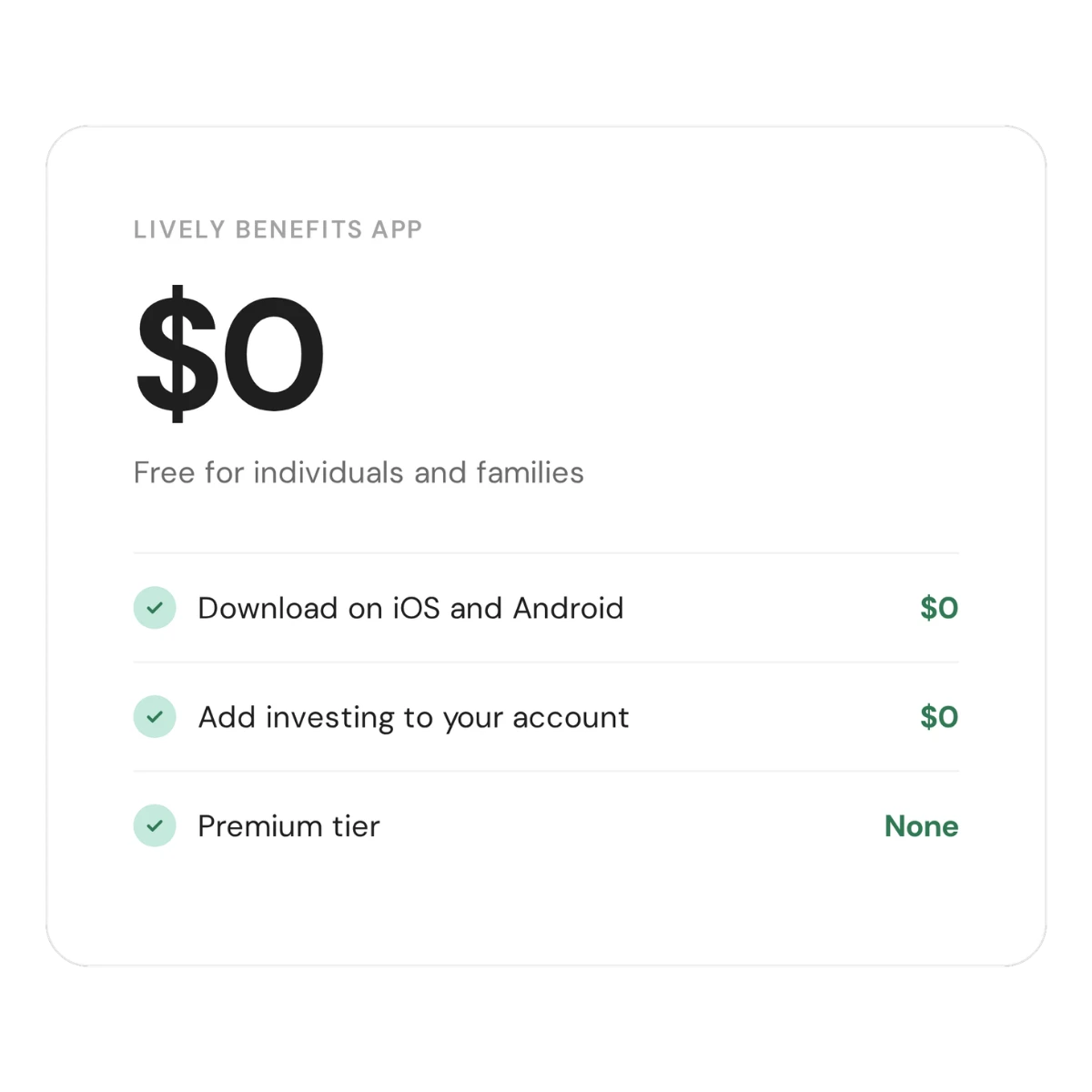
Yes. The Lively app is free for individuals and families, and there's nothing to unlock or upgrade. Every feature described on this page comes standard with the account, at no extra cost.
Free to download and use on iOS and Android
No fees to add investing to your account
No premium tier, no paywalled features
The Lively AI Benefits Assistant, receipt scanning, barcode eligibility, and card controls are all included in the free app. You're not paying extra for the features that actually save you time.
Smart Spending
Faster reimbursements and smarter spending
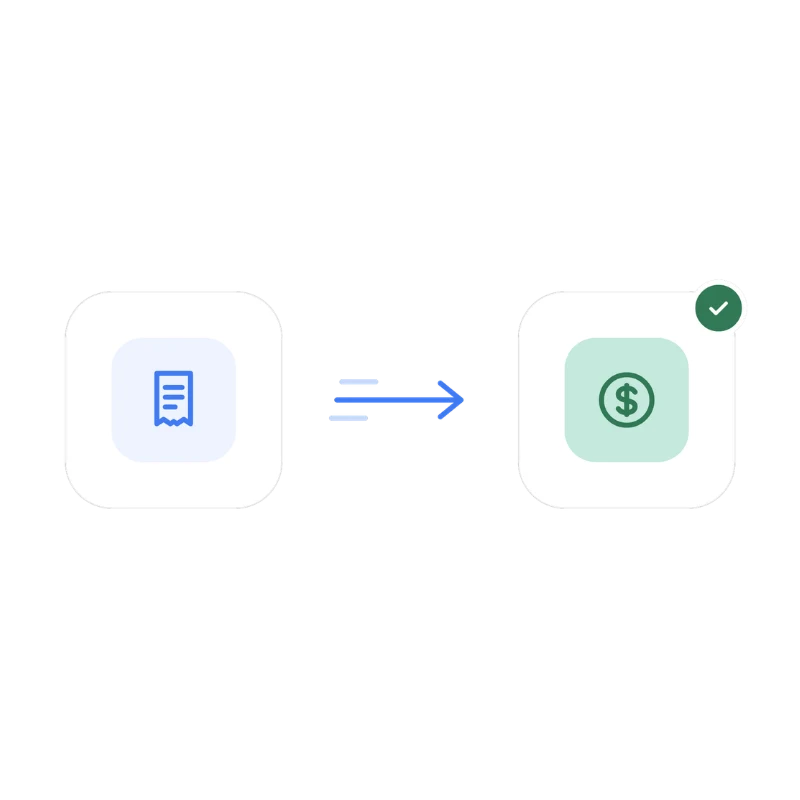
Getting your own money back shouldn't take weeks. The Lively mobile app processes approved claims in seconds and deposits funds within 1 to 2 business days.
Fast reimbursements: AI-assisted review approves claims in seconds and deposits funds to your linked bank account in 1 to 2 business days.
Smart spend order: The app prioritizes expiring pre-tax balances, like FSAs, before non-expiring ones, like HSAs, so nothing goes unused.
Duplicate protection: Real-time guidance flags potential duplicate submissions and checks IRS eligibility before you spend.
Spending from the wrong account first is often a bigger hidden cost than fees, and the app handles that order for you automatically.
Frequently Asked Questions
Lively Mobile App FAQs
Is the Lively mobile app free to download and use?
Yes. The Lively app is free, and Lively's individual and family HSAs have no monthly maintenance fees, no hidden costs, and no minimum opening balance.
How do I submit a receipt or get reimbursed in the Lively app?
Use the app's receipt capture to photograph a receipt, then submit a reimbursement request in a few taps. The app stores your receipts and lets you request reimbursement for qualified expenses without paperwork.
Can I invest my HSA from the mobile app?
Yes. You can access and manage your HSA investments from the app, with flexible investing options and a view of your cash and invested balances so you always know what's available to spend versus what's growing.
Does the Lively app have an AI assistant?
Yes. The app includes an account-specific AI Assistant that answers common benefits questions around the clock, and connects you to a person who understands your account when you'd rather talk to human support.
Can I track my spending and healthcare expenses in the app?
Yes. The app provides spending insights so you can see where your healthcare dollars are going and stay on top of out-of-pocket expenses throughout the year.
What if I need help that the app can't handle?
You can reach a person by phone, chat, or email. Over 90% of support calls are answered in under 60 seconds and 95% of issues are resolved on first contact, so help is fast when you need it.